AIminiboxes,builtfor
_Plug-and-play AI support for local businesses, controlled through Telegram, powered by a mini device and a master WicClaw control layer.
We do not believe in generic AI dashboards. Each WicMini is designed and paired as a business agent, giving owners simple control, reliable automation, and visible execution from Telegram.
Do not install another tool. Plug it in.
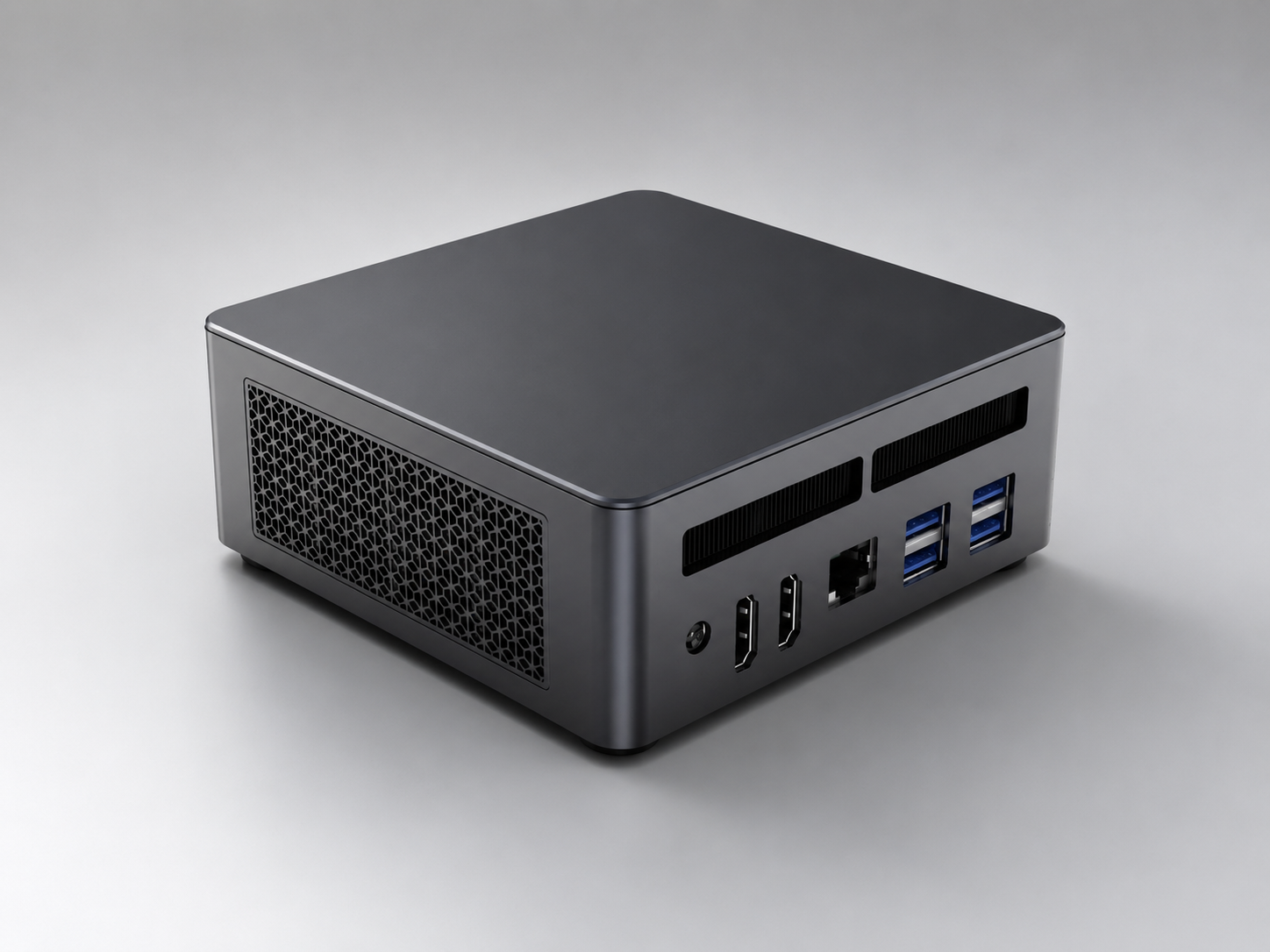
Business automation, without the software burden.
WicClaw combines Telegram control, device heartbeat, queue polling, permissions, and Agent-first dispatch — so the business owner does nothing technical after day one.
Power the mini box and connect it to internet.
Pair the device to the business owner on Telegram.
Use Telegram to request quotes, promos, reports, or status.
Validation and permissions check every task before dispatch.
Heartbeat, queue state, and task results stay visible.
WicMini pilots: ready to place in the field.
Each deployment is pre-configured for Telegram control, heartbeat monitoring, and Agent-first task dispatch. Choose Core for one business, Fleet for a network.
- Mini AI agent box
- Telegram bot pairing
- Heartbeat monitoring
- Device registry
- Queue polling
- Agent-first dispatch
The starter WicClaw deployment for one local business. Built for simple onboarding, status checks, and daily business workflows from Telegram.
See deployment flow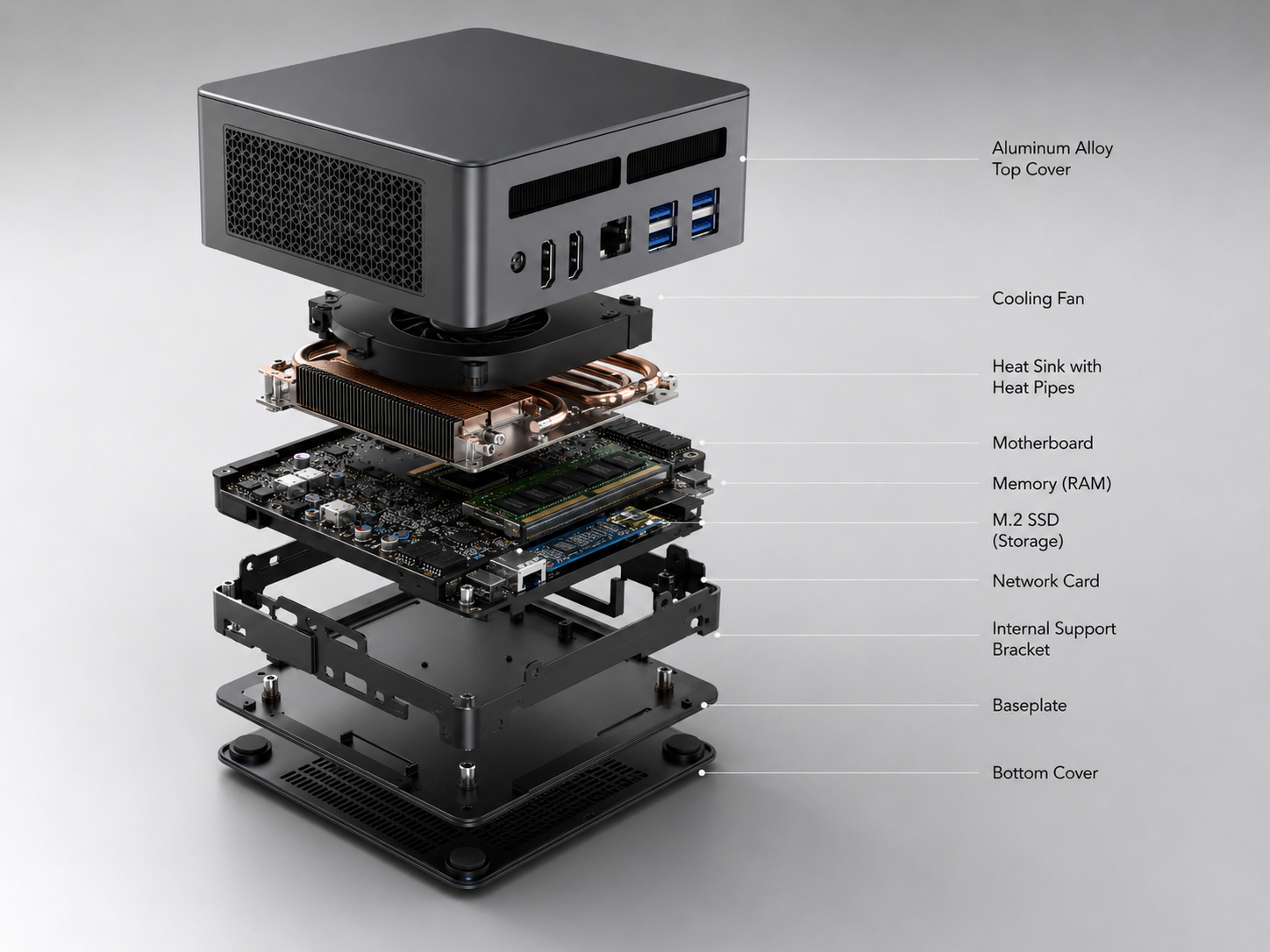
- Multiple mini devices
- Master control server
- Business workflow routing
- Result tracking
- Fallback device queue
- Remote operations view
For running several business locations or multiple client deployments from one master control layer.
See deployment flow